

1
Sign in
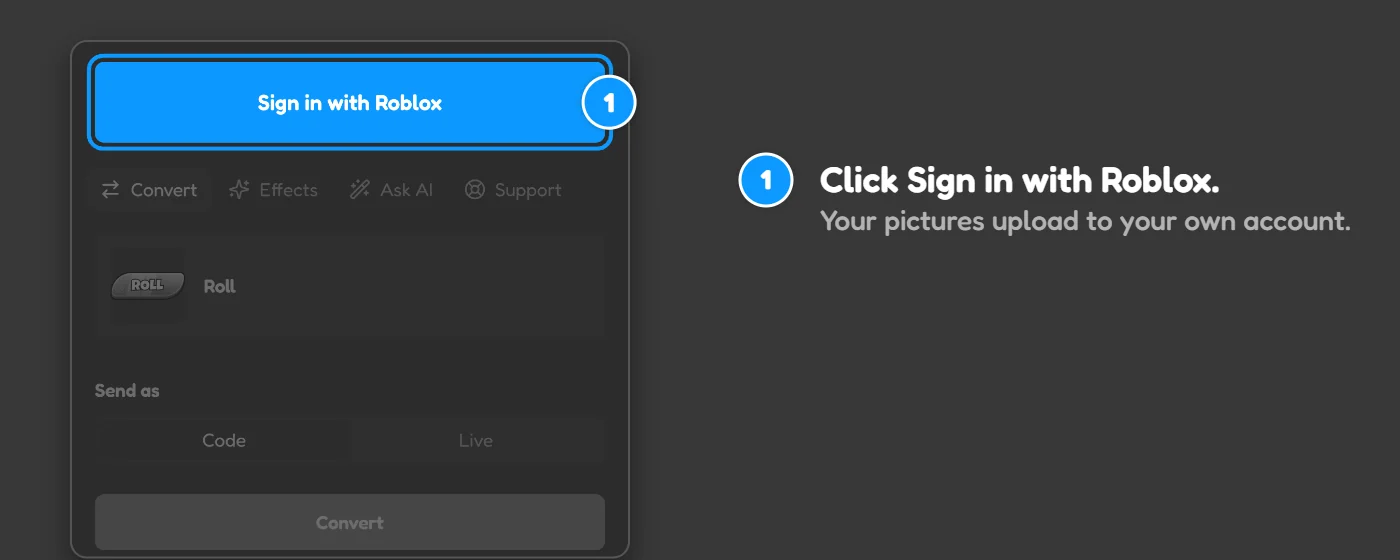
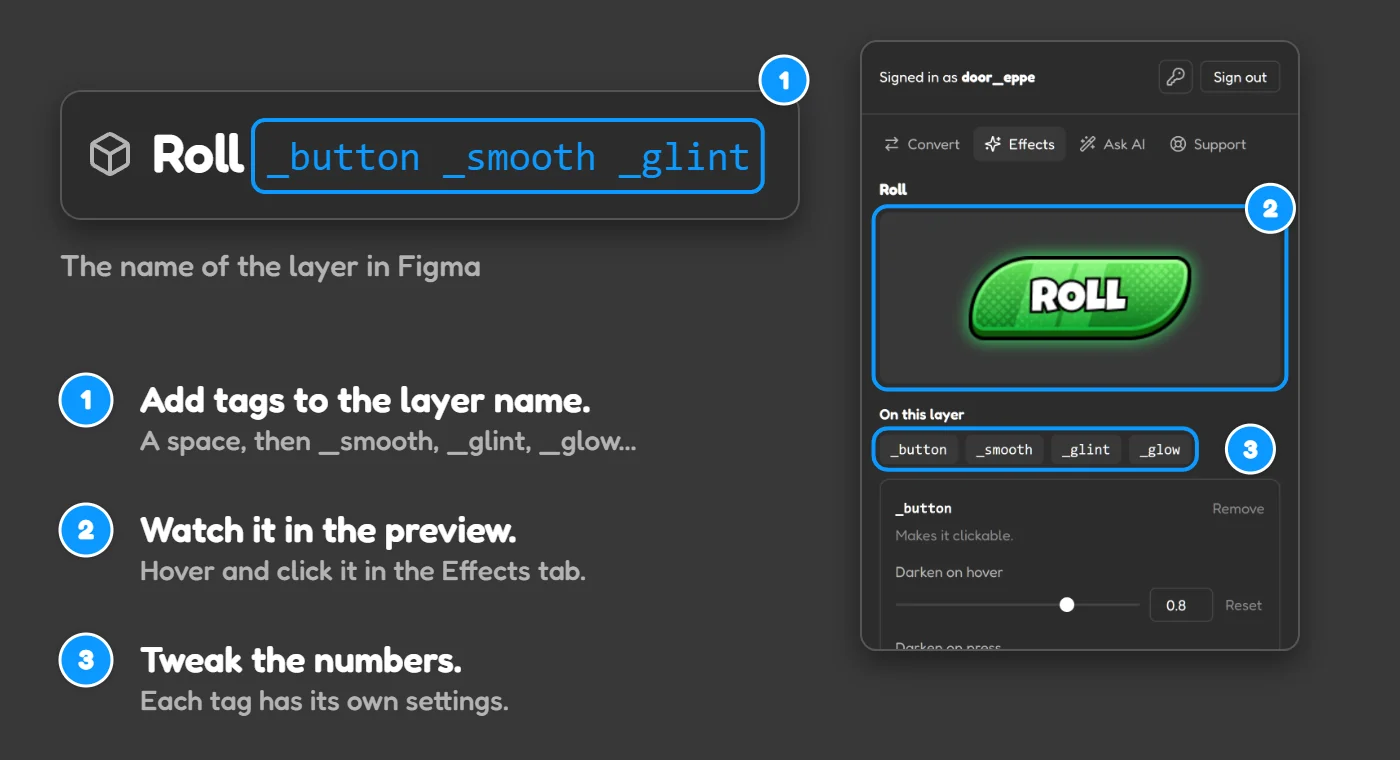
Sign in with Roblox in the Figma plugin. Pictures go to your own account.
Draw your UI in Figma. Paste a 6 letter code in Studio and it shows up in StarterGui. It's free.
Sign in with Roblox in the Figma plugin. Pictures go to your own account.
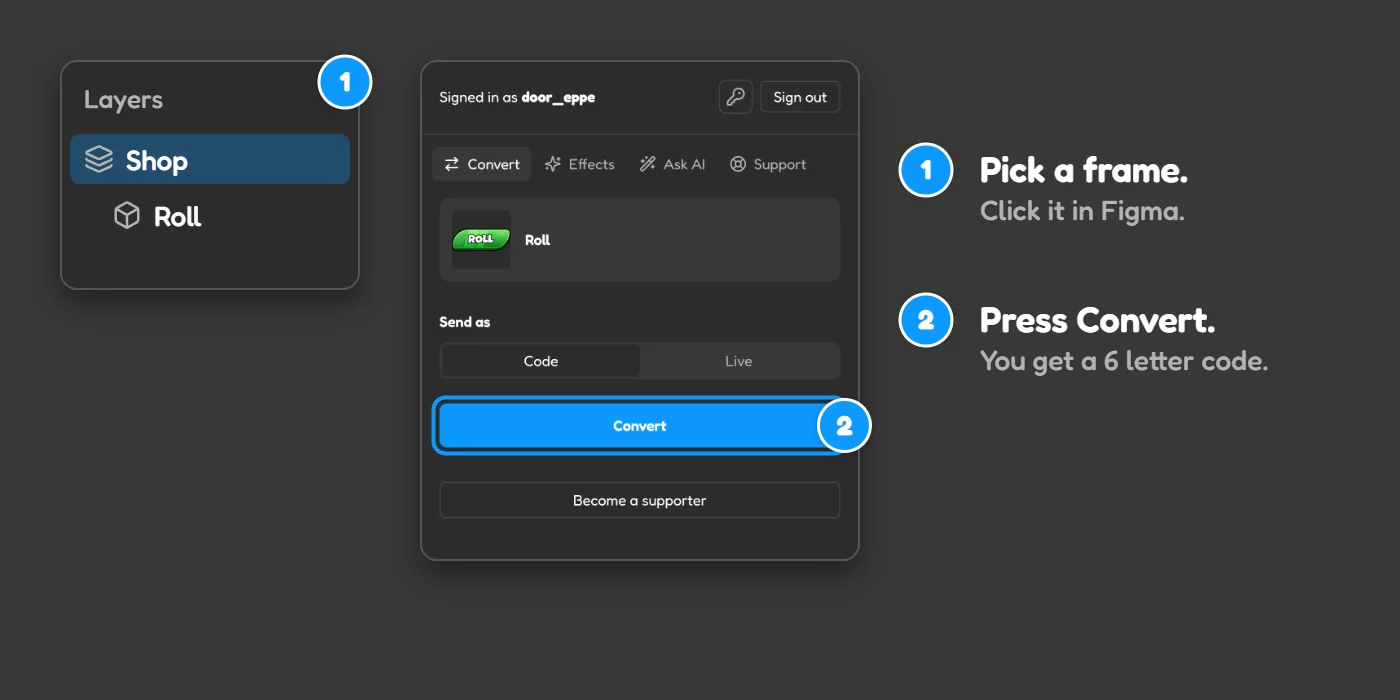
Pick a frame, hit Convert, get a 6 letter code.
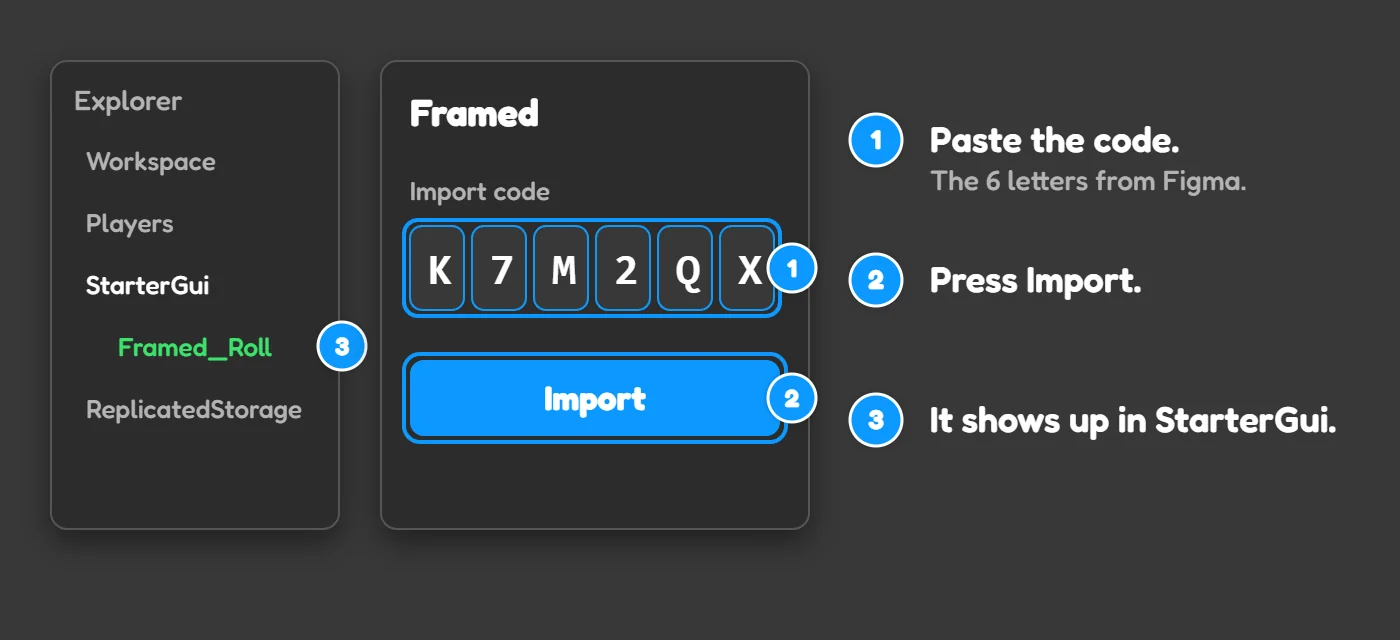
Paste the code in the Studio plugin, hit Import. It shows up in StarterGui.
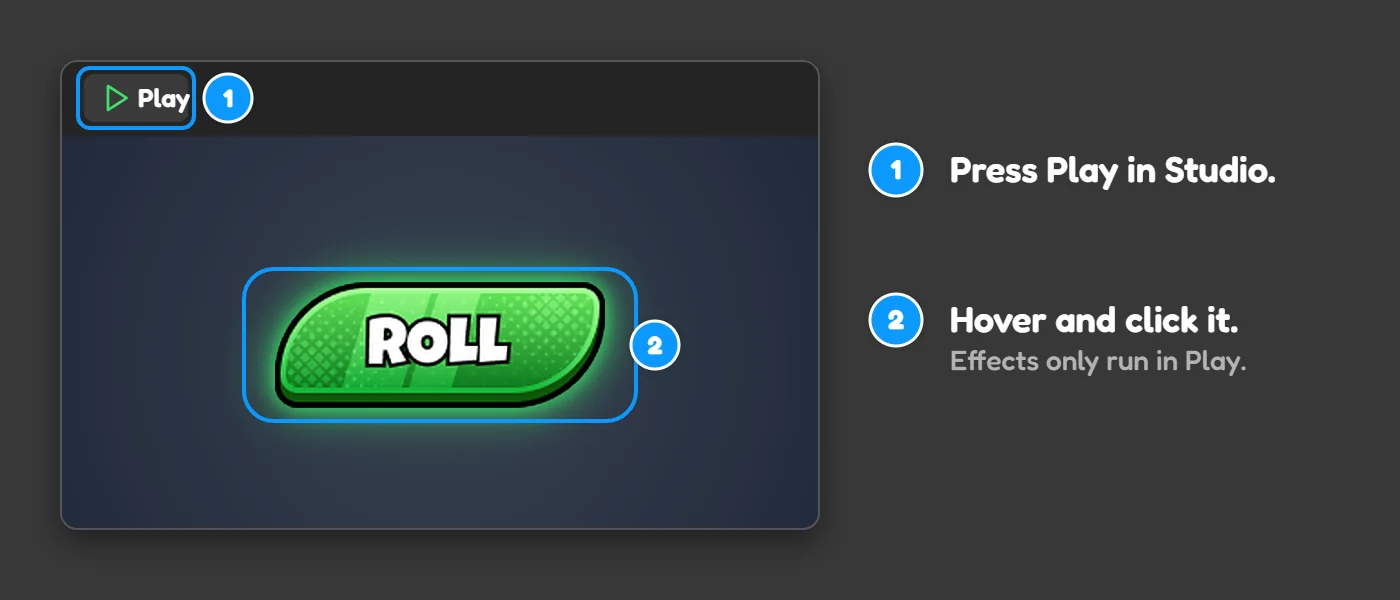
Hit Play. Effects only work when you play.
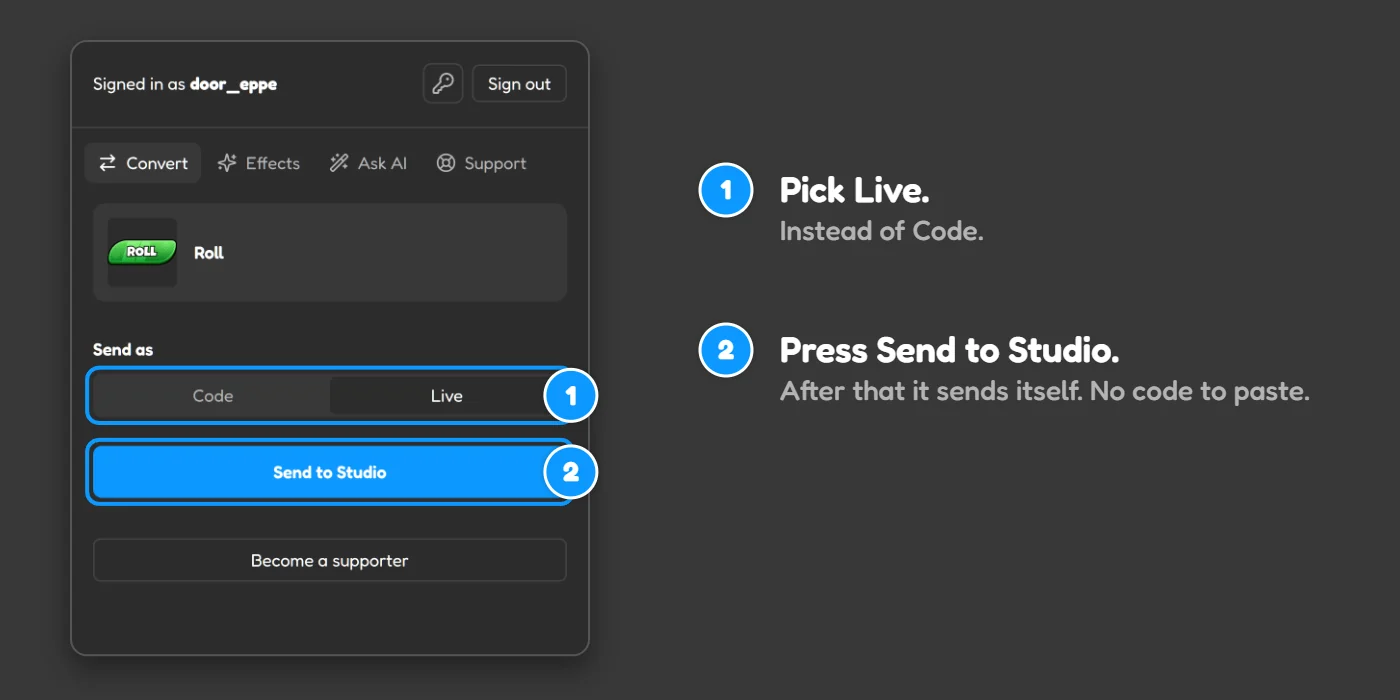
Pick Live in Figma and it sends itself to Studio. No code. Don't edit the ScreenGui by hand, it gets replaced every update.
Draw extra versions inside a button and tag them _hover, _clicked, _default or _disabled for different looks.
The name after the colon has to match the panel.
The events get made when you import. Your ScreenGui gets a FramedEvents folder (BindableEvents, for the player side) and ReplicatedStorage gets a FramedRemotes folder (RemoteEvents, for the server).
In a LocalScript:
local events = script.Parent:WaitForChild("FramedEvents")
events.ClaimReward.Event:Connect(function(button)
	print("claimed")
end)
On the server:
local remotes = game.ReplicatedStorage.FramedRemotes
remotes.ClaimReward.OnServerEvent:Connect(function(player)
	print(player.Name .. " claimed")
end)
A button sends itself to the player side and nothing to the server. A text box sends what was typed to both. The server should check what it gets, players can fire it too.
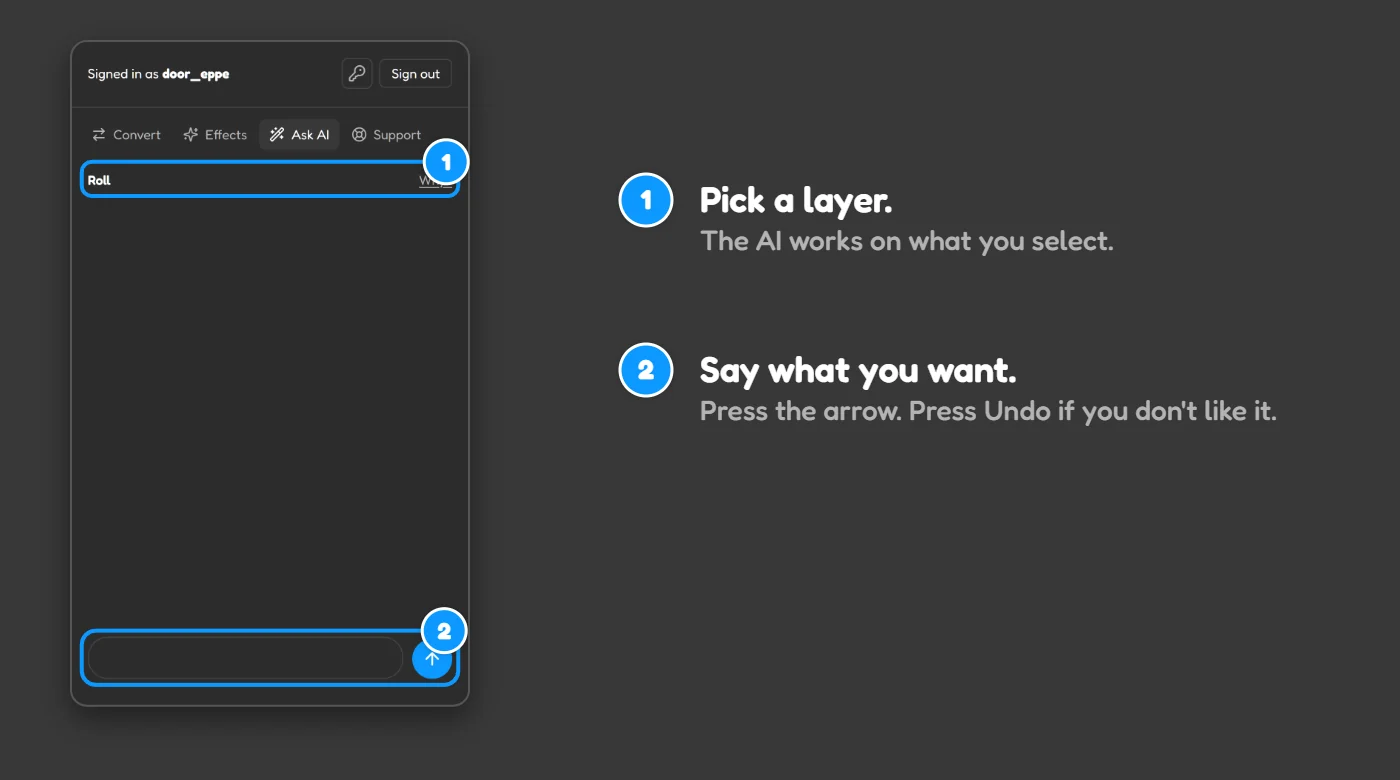
Type what you want and it adds the tags to your layers. Undo if you don't like it.
Free gets 5 a day. Supporters get unlimited.
Supporters can also type what they need, like cake, and get a new icon with a see-through background. Press Add to design.
Pay on Ko-fi and your key comes by email. Click the key icon in the plugin and paste it in.
Robux works too. There's no key, the days go straight onto your Roblox account when you buy.
Upload failed. Sign in and convert again.
Over 24 hours old. Convert again.
Press Allow.
Effects only work in Play. Check the spelling.
 Pay with Robux